Image quiz · 20 questions
Can you spot the
Can you spot the
hardware by sight?
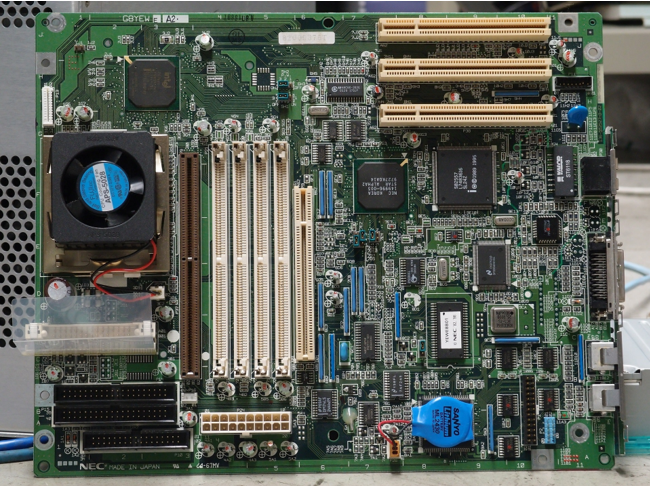
You'll see a component name and four photos. Pick the photo that matches. No timer, no trick questions — you can go back or skip anything you're unsure about.
Core components
Storage
Ports & slots
Input devices
Output devices
Sign in, choose an allowed session, and begin.
How it works
Three short steps — staff sets up your login, you choose a session, then you take the quiz.
1
You're on the list
Your teacher or lab admin adds your email and password. Only published students can sign in.
2
Choose a session
Pick any session staff allowed for your account.
3
Take the quiz
Twenty image questions, no timer. Finish one session, then continue to the next when you're ready.